
JPG to TIFF Converter: The Complete Guide to Convert JPG to TIFF Format
Need to convert your JPG photos to professional-grade TIFF format? Whether you're preparing images for printing, archiving precious photographs, or working in a professional editing workflow, this JPG to TIFF converter guide covers everything you need to know — from why TIFF matters to step-by-step conversion instructions.
1What Is TIFF Format and Why Does It Matter?
TIFF (Tagged Image File Format) is a professional-grade, lossless image format that has been the gold standard in photography, publishing, and medical imaging for decades. Unlike JPG which uses lossy compression (discarding some image data to reduce file size), TIFF preserves every single pixel of your image — making it ideal when quality cannot be compromised.
Print Industry Standard
Magazines, posters, and packaging all require TIFF for production
Photography Archival
Professional photographers archive masters as TIFF files
Medical & Legal
DICOM workflows and legal documents demand lossless quality
Key TIFF advantages include support for 16-bit and 32-bit color depth, CMYK color profiles (essential for print), multi-page documents, transparency via alpha channels, and multiple compression options including LZW (lossless). When you convert JPEG to TIFF, you're essentially wrapping your image in a more robust container that prevents future quality degradation.
2Why Should You Convert JPG to TIFF?
Important note: Converting JPG to TIFF cannot recover quality lost during the original JPEG compression. However, it prevents further quality loss during future edits and saves — making it essential for professional workflows.
Prevent Future Quality Degradation
Every time you open, edit, and re-save a JPG file, it undergoes lossy compression again — gradually destroying image quality. Converting to TIFF stops this cycle. TIFF uses lossless compression, so you can edit and save repeatedly without any quality loss.
Prepare Images for Professional Printing
Print shops, publishers, and packaging companies require TIFF files because they support CMYK color profiles, which are essential for accurate color reproduction in print. Most printers won't accept JPG files for high-quality output.
Archive Photos with Maximum Fidelity
For long-term photo archiving, TIFF is the preferred format because it doesn't suffer from generation loss. Libraries, museums, and archive services worldwide use TIFF as their standard preservation format.
Enable Advanced Image Editing
TIFF files handle layers, transparency, and complex color data far better than JPG. Professional editors in Photoshop, Lightroom, and GIMP prefer TIFF for non-destructive editing workflows.
Meet Official Document Requirements
Many government portals, medical systems, and legal institutions require documents and images in TIFF format. Converting your JPG photos to TIFF ensures compliance with these requirements.
3How to Convert JPG to TIFF Without Losing Quality
Converting a JPG image to TIFF format is simple and takes just a few seconds. Here's how to do it using our free JPG to TIFF converter online:
Step 1: Upload Your JPG File
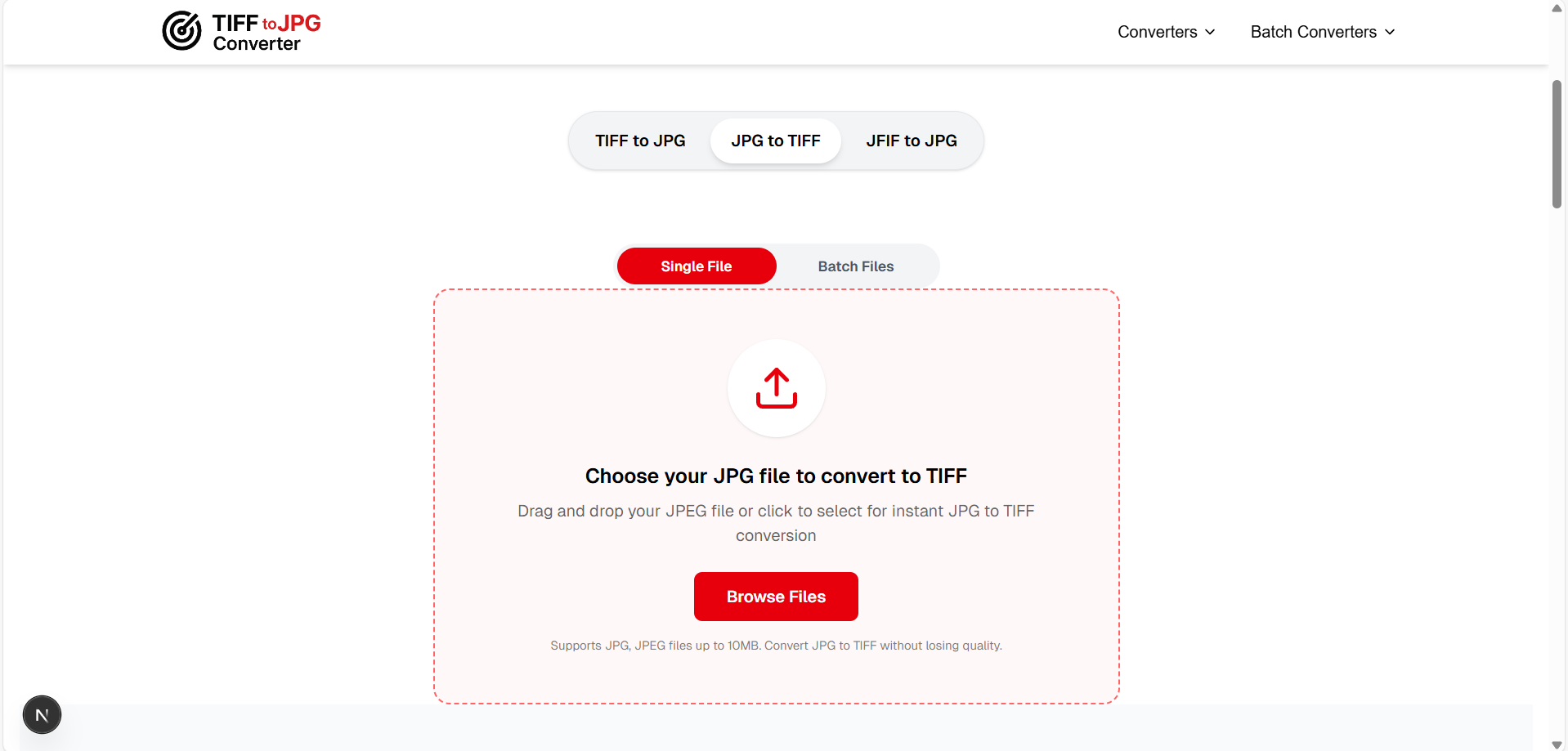
Visit our JPG to TIFF converter page and drag your .jpg or .jpeg file onto the upload area. You can also click "Browse Files" to select from your computer.
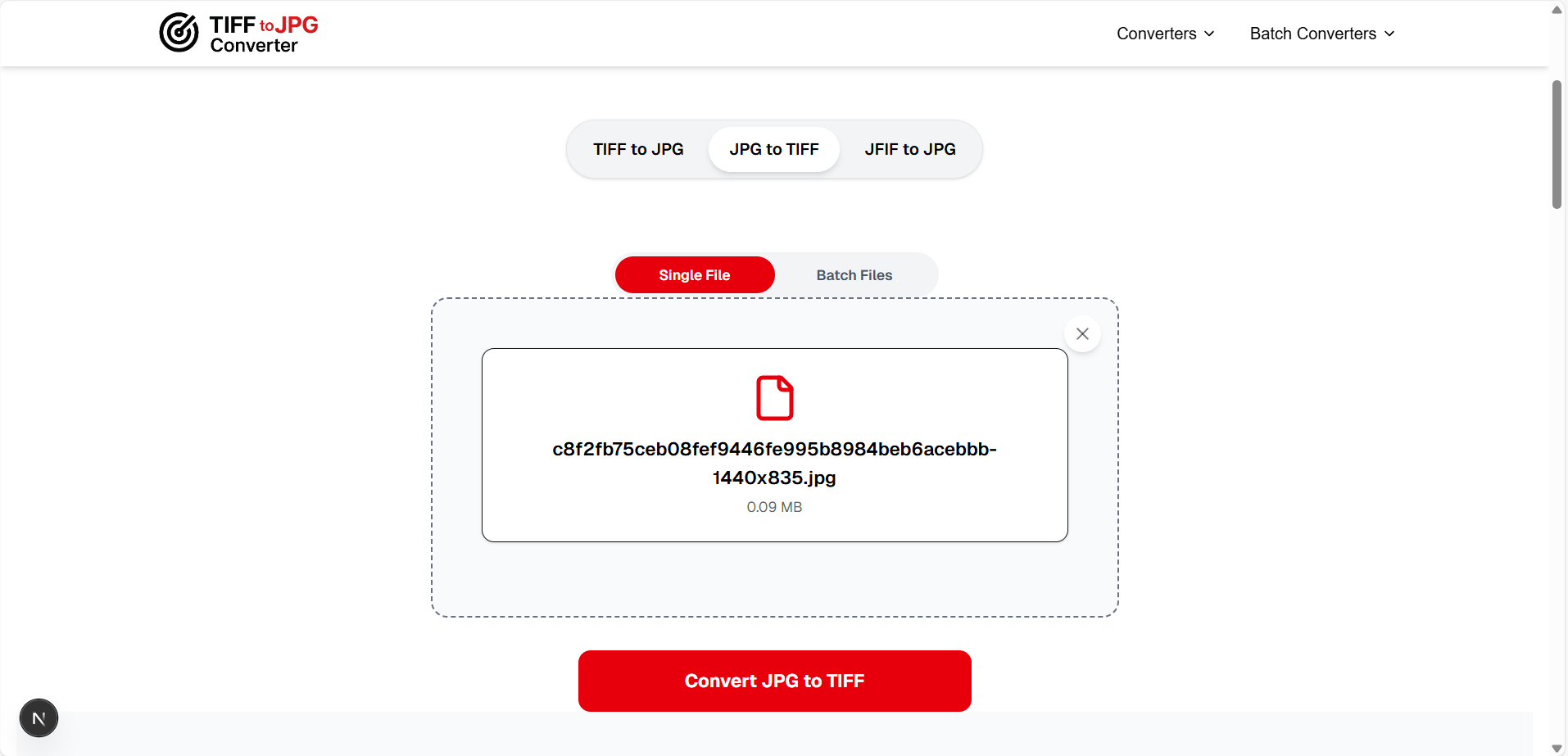
Step 2: Click "Convert JPG to TIFF"
Press the convert button. Our tool processes your file instantly using your browser's built-in technology — your image is never uploaded to any server, ensuring complete privacy.
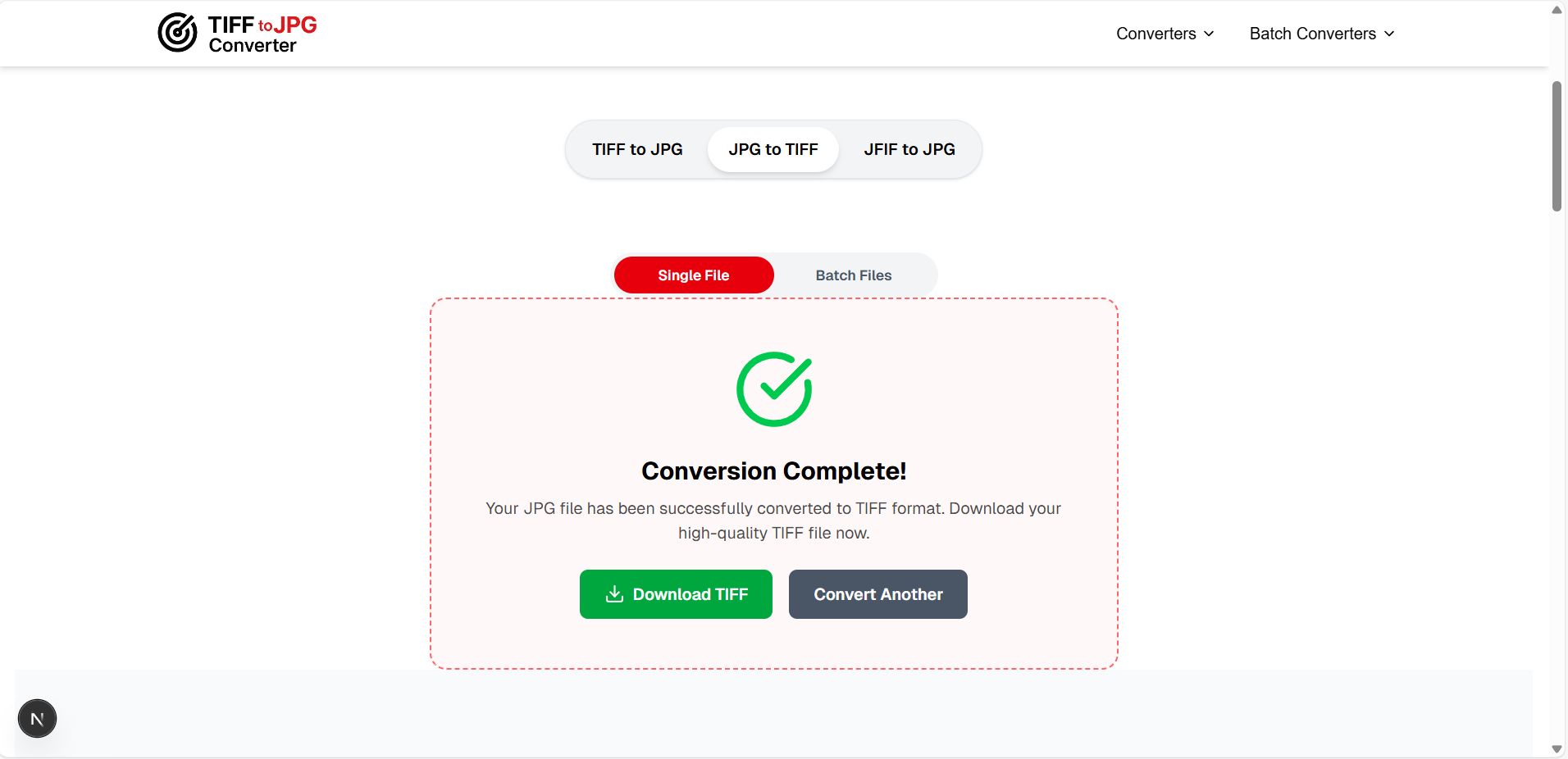
Step 3: Download Your TIFF File
Once conversion is complete, click "Download TIFF" to save your converted file. The output preserves the full resolution and pixel dimensions of your original JPG.
Other Ways to Convert JPG to TIFF
🪟 On Windows (Paint)
- Right-click your JPG → Open with Paint
- File → Save As → TIFF picture
- Choose location and Save
🍎 On macOS (Preview)
- Open JPG in Preview app
- File → Export → Format: TIFF
- Adjust settings and Save
4TIFF Compression Types Explained
When working with TIFF files, understanding compression options helps you choose the right balance between file size and quality. Here's what you need to know about TIFF format for printing and archival:
| Compression | Type | File Size | Best For |
|---|---|---|---|
| None | Uncompressed | Largest | Maximum compatibility |
| LZW ⭐ | Lossless | 40-60% smaller | General use, printing |
| ZIP/Deflate | Lossless | 40-60% smaller | Large images, archival |
| JPEG ⚠️ | Lossy | Smallest | Not recommended |
💡 Recommendation: For most users, LZW compression is the best choice. It reduces file size by 40-60% while maintaining 100% image quality — perfect for printing and archiving. Our converter uses this by default.
5JPG vs TIFF: Which Format Should You Use?
Choosing between JPG and TIFF depends entirely on your use case. Here's a comprehensive JPG vs TIFF comparison:
| Feature | JPG/JPEG | TIFF |
|---|---|---|
| Compression | Lossy (quality loss) | Lossless (no quality loss) |
| File Size | Small (1–5 MB) | Large (20–100 MB) |
| Color Depth | 8-bit (24-bit color) | Up to 32-bit |
| CMYK Support | ❌ No | ✅ Yes |
| Transparency | ❌ No | ✅ Alpha channel |
| Multi-page | ❌ No | ✅ Yes |
| Web Support | ✅ Universal | ❌ Not supported |
| Re-save Quality | Degrades each time | No degradation |
| Best For | Web, email, social media | Printing, archiving, editing |
📤 Use JPG When...
- • Sharing photos on social media
- • Sending images via email
- • Publishing images on websites
- • Storage space is limited
🖨️ Use TIFF When...
- • Sending files to a print shop
- • Archiving important photographs
- • Editing images repeatedly
- • Working with CMYK color profiles
6Best Free JPG to TIFF Converter Tools in 2025
TIFFtoJPGConverter.com
- ✅ 100% Free — No limits, no sign-ups, no hidden fees
- ✅ Privacy-First — All processing happens in your browser — files never leave your device
- ✅ Both Directions — JPG→TIFF and TIFF→JPG on the same platform
- ✅ Batch Conversion — Convert multiple files simultaneously
- ✅ Browser Extension — Available for Chrome, Edge, and Opera
Desktop Alternatives
Adobe Photoshop
Professional, paid ($20/mo)
GIMP
Free, open-source
XnConvert
Free batch converter
7Common Use Cases for JPG to TIFF Conversion
📸 Professional Photography
Photographers convert JPG client deliverables back to TIFF when clients request print-ready files. TIFF's lossless format ensures the highest quality output for large-format prints and exhibitions.
🏢 Corporate & Publishing
Marketing teams and publishers convert JPG assets to TIFF for magazine layouts, brochures, and packaging. CMYK TIFF files are the industry standard for commercial printing.
🏛️ Government & Legal
Government document management systems often require TIFF format for scanned records. Legal firms use TIFF for case evidence and document archival to ensure image integrity.
🏥 Medical Imaging
Healthcare facilities convert images to TIFF for DICOM workflows, ensuring diagnostic-quality images are preserved without compression artifacts that could affect clinical decisions.
8Need the Reverse? Convert TIFF to JPG
If you have TIFF files that you need to share on the web, email, or social media, you'll need to convert TIFF to JPG. Our tool handles both directions seamlessly — just switch the mode.
Convert TIFF to JPG to reduce file size by 80–95% while maintaining excellent visual quality.
Try TIFF to JPG Converter →?Frequently Asked Questions
What is a TIFF file and why is it used?
▼
TIFF (Tagged Image File Format) is a high-quality raster image format that uses lossless compression. It's widely used in professional photography, printing, publishing, and medical imaging because it preserves every pixel of the original image without quality degradation. TIFF supports CMYK color profiles, multi-page documents, and up to 32-bit color depth.
Does converting JPG to TIFF improve image quality?
▼
No — converting JPG to TIFF cannot recover quality that was already lost during the original JPEG compression. However, it prevents further quality loss during future edits and saves. Think of it as 'locking in' the current quality. TIFF uses lossless compression, so you can edit and re-save the file repeatedly without any additional degradation.
How do I convert JPG to TIFF for free?
▼
Visit tifftojpgconverter.com/jpg-to-tiff, upload your JPG file by dragging and dropping it or clicking Browse Files, then click 'Convert JPG to TIFF.' Download your TIFF file instantly. The entire process runs in your browser — no file uploads to any server, no sign-up required, completely free.
Is TIFF better than JPG for printing?
▼
Yes, TIFF is significantly better for professional printing. It preserves 100% of image data with lossless compression, supports CMYK color profiles essential for accurate print color reproduction, and handles 16-bit color depth. For standard photo prints (4×6, 5×7), high-quality JPG at 95% may suffice, but for commercial printing, TIFF is the industry standard.
What compression should I use for TIFF files?
▼
For most users, LZW compression is the best choice — it's lossless (zero quality loss) and reduces file size by 40-60%. ZIP/Deflate is another good lossless option. Avoid using JPEG compression inside TIFF files as it introduces lossy artifacts, defeating the purpose of using TIFF format.
Can I batch convert multiple JPG files to TIFF?
▼
Yes! Our batch JPG to TIFF converter allows you to convert multiple JPG files simultaneously. Upload up to 10 files at once and download all converted TIFF files together. It's perfect for photographers, designers, and businesses dealing with large image collections that need format conversion.
Conclusion
Whether you're preparing images for professional printing, archiving precious photographs, or working in an editing workflow that demands lossless quality, converting JPG to TIFFis an essential skill. TIFF's lossless compression, CMYK support, and multi-page capabilities make it the gold standard for professional image work.
Our free JPG to TIFF converter handles both single and batch conversions, processes everything locally in your browser for maximum privacy, and supports the reverse conversion (TIFF to JPG) as well. No sign-ups, no fees, no file uploads — just instant, high-quality format conversion whenever you need it.