
JFIF to JPG Converter: The Ultimate Guide to Convert JFIF Files to JPG
Frustrated by .jfif files that won't open in your apps or upload to websites? You're not alone. Millions of Windows users encounter this confusing file format every day. This JFIF to JPG converter guide explains exactly what JFIF is, why your computer saves images as JFIF, and how to fix it — with multiple methods including a permanent solution.
1What Is a JFIF File? Understanding the Format
JFIF stands for JPEG File Interchange Format. Here's the key thing to understand: a JFIF file is essentially the same as a JPG file. Both contain JPEG-compressed image data — they just use a different file extension.
💡 Think of it this way: JPEG defines how to compress an image. JFIF defines how to store that compressed image in a file. JPG is just the popular shorthand. Under the hood, most JPG files on the internet are actually JFIF files — they just use the .jpg extension instead of .jfif.
JPEG
The compression algorithm — how image data is encoded
JFIF
The container format — how that encoded data is stored in a file
JPG/JPEG
The popular file extension — what most apps and websites expect
2Why Does Windows Save Images as JFIF?
This is one of the most common questions on the internet: "Why are my downloads saving as .jfif instead of .jpg?" The answer lies in Windows Registry settings.
Windows Registry Setting
Windows uses a registry entry at HKEY_CLASSES_ROOT\MIME\Database\Content Type\image/jpeg to determine what extension to use when saving JPEG images. After certain Windows updates, this value can be set to .jfif instead of .jpg.
Browser Behavior
When you "Save Image As" in Chrome, Edge, or Firefox, the browser reads the MIME type from the server and checks Windows registry for the file extension. If the registry says .jfif, that's what you get.
Windows Updates
Some Windows 10 and Windows 11 updates have been known to reset this registry value, causing the JFIF problem to reappear even after you've fixed it. This is why many users are constantly looking for a JFIF to JPG converter.
3How to Convert JFIF to JPG — 4 Easy Methods
Since JFIF and JPG are essentially the same format, converting between them is extremely fast and involves zero quality loss. Here are four methods from easiest to most advanced:
Use Our Free Online Converter (Easiest)
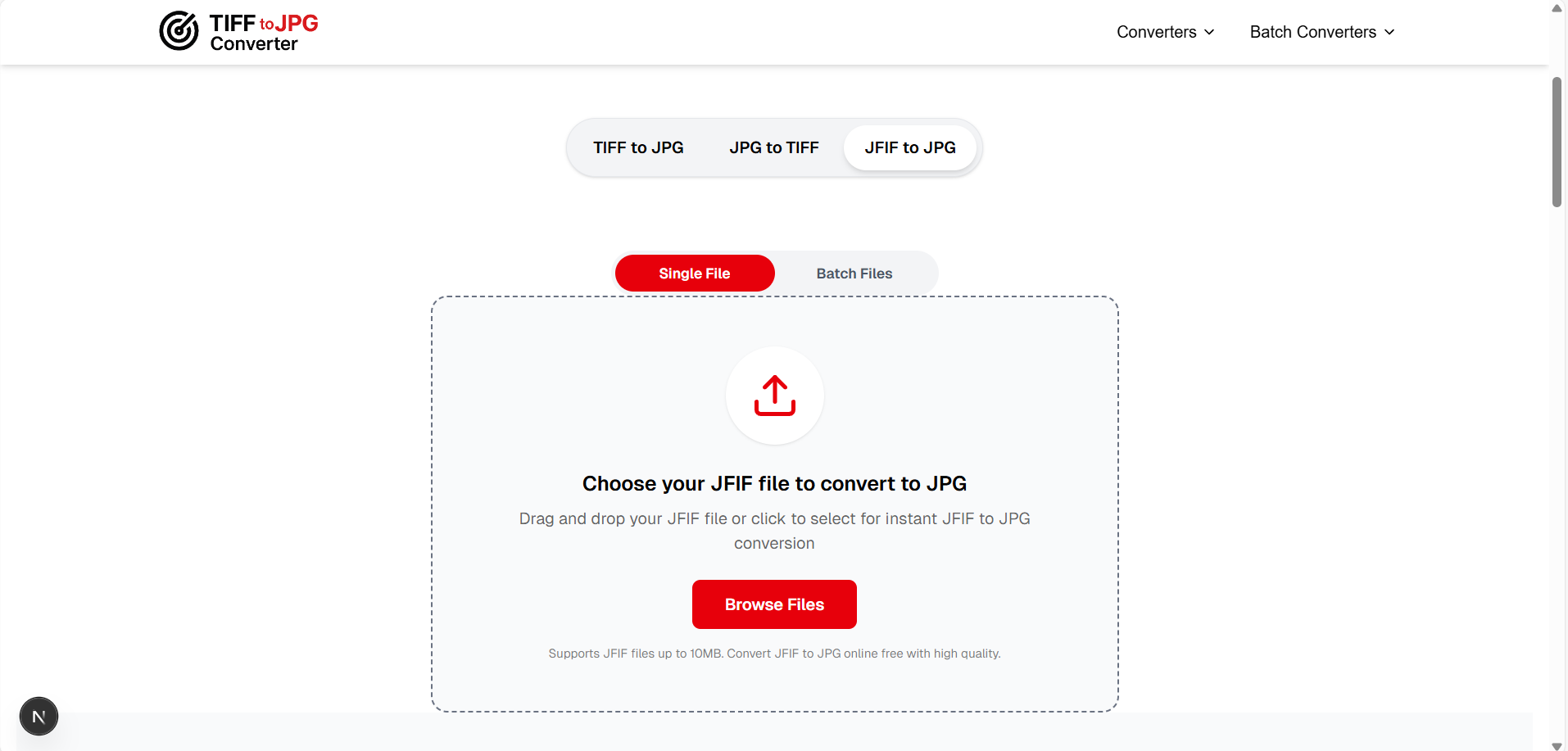
Visit our JFIF to JPG converter page and drag your .jfif file onto the upload area
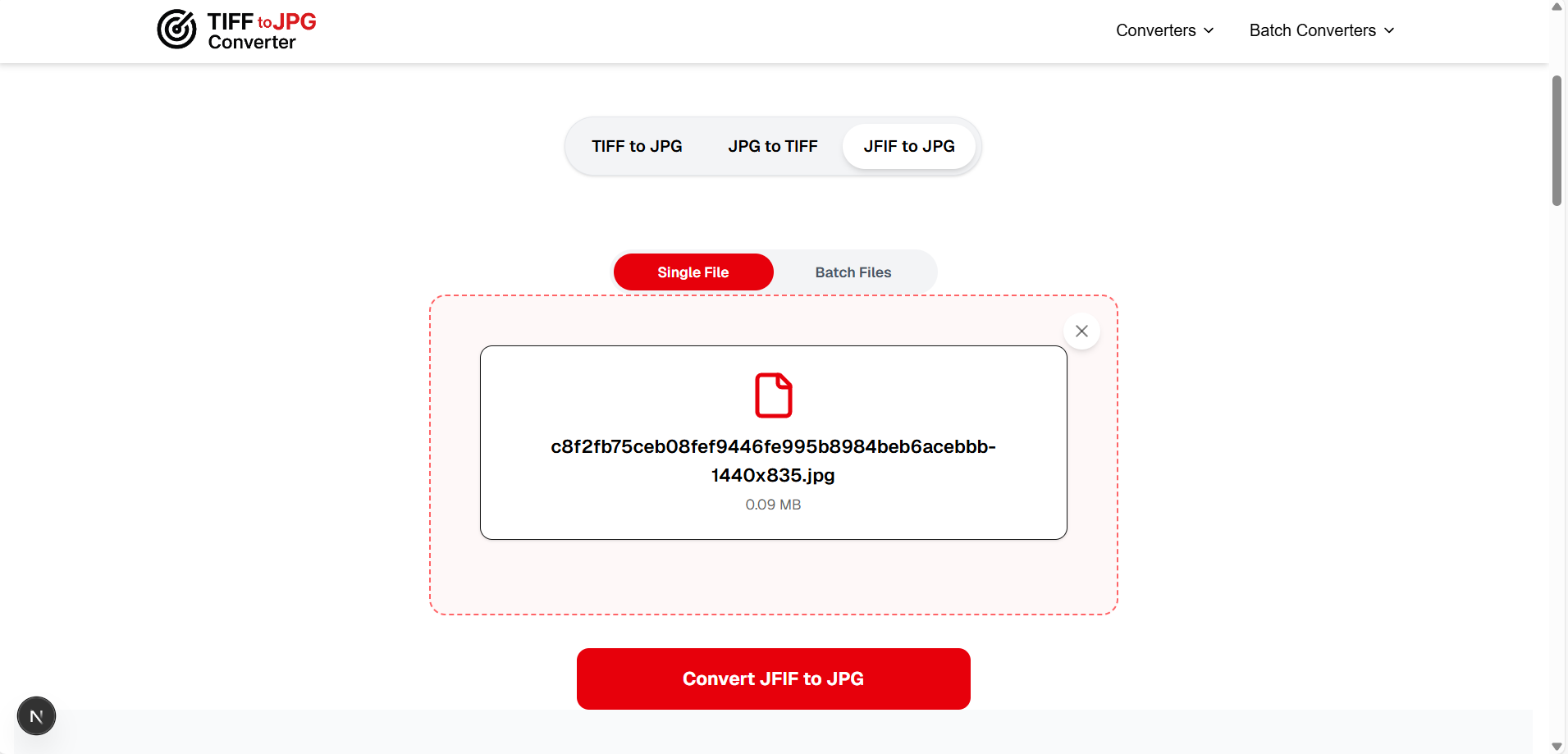
Click "Convert JFIF to JPG" — conversion happens instantly in your browser
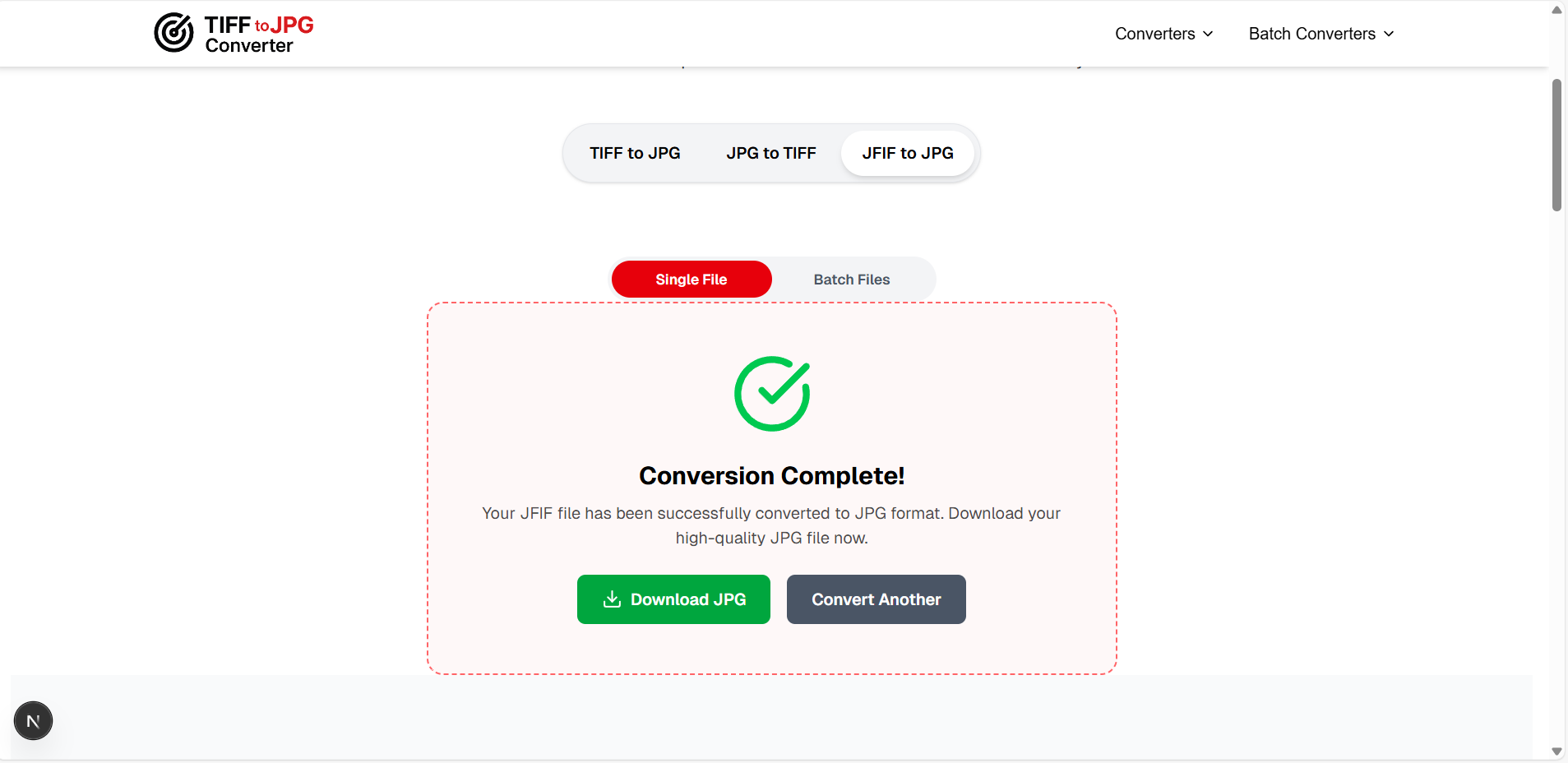
Download your .jpg file — no quality loss, 100% privacy (files never leave your device)
Simply Rename the File Extension
Since JFIF and JPG are the same format, you can often just rename the file:
photo.jfif → photo.jpg
Right-click → Rename → Change .jfif to .jpg → Press Enter → Click "Yes" when prompted
Use Microsoft Paint (Save As JPG)
- Right-click your JFIF file → Open with → Paint
- Click File → Save As → JPEG Picture
- Choose location and click Save
Permanent Fix: Edit Windows Registry ⚠️
This permanently stops Windows from saving images as JFIF:
- Press
Windows + R, typeregedit, press Enter - Navigate to:
HKEY_CLASSES_ROOT\MIME\Database\Content Type\image/jpeg - Double-click "Extension" in the right pane
- Change the value from
.jfifto.jpg - Click OK and restart your browser
⚠️ Warning: Modifying the Windows Registry incorrectly can cause system issues. Only use this method if you're comfortable with advanced settings. Always back up your registry first.
4JFIF vs JPG: Are They Really Different?
| Feature | JFIF (.jfif) | JPG (.jpg/.jpeg) |
|---|---|---|
| Compression | JPEG (lossy) | JPEG (lossy) |
| Image Data | Identical | Identical |
| Quality | Same | Same |
| File Size | Same | Same |
| Web Compatibility | ❌ Some sites reject .jfif | ✅ Universal |
| App Support | ❌ Limited in some apps | ✅ Works everywhere |
| Social Media | ❌ Often rejected | ✅ Accepted everywhere |
| Email Attachments | ⚠️ May cause issues | ✅ No issues |
Bottom line: JFIF and JPG contain identical image data. The only difference is the file extension — and that tiny difference causes massive compatibility headaches. Converting JFIF to JPG solves all these problems with zero quality loss.
5Common Problems Caused by JFIF Files
🚫 Website Upload Failures
Many websites and CMS platforms (WordPress, Shopify, Wix) don't recognize .jfif as a valid image format, causing upload failures even though it's technically identical to JPG.
📱 Social Media Rejections
Instagram, Facebook, Twitter, and LinkedIn often reject .jfif uploads. Users must convert JFIF to JPG before posting images on social media platforms.
📧 Email Attachment Issues
Some email clients display JFIF files as generic attachments instead of inline images, causing confusion for recipients who can't preview the image.
🖥️ Software Incompatibility
Older versions of popular software like Microsoft Office, Adobe products, and various photo editors may not recognize the .jfif extension, preventing you from inserting images.
6How to Batch Convert Multiple JFIF Files to JPG
If you have dozens or hundreds of .jfiffiles, converting them one by one isn't practical. Here are batch conversion options:
Our Batch JFIF to JPG Converter
Upload up to 10 JFIF files at once, convert them all simultaneously, and download the JPG versions together. 100% free, 100% private.
Try Batch JFIF to JPG Converter →Command Line (Windows PowerShell)
For advanced users, rename all JFIF files in a folder at once:
Get-ChildItem *.jfif | Rename-Item -NewName { $_.Name -replace '\.jfif$','.jpg' }
7How to Stop Windows from Saving as JFIF Permanently
Instead of converting every time, you can fix the root cause so Windows always saves images as .jpg:
Open Registry Editor
Press Win + R, type regedit, press Enter
Navigate to the JPEG MIME type
HKEY_CLASSES_ROOT\MIME\Database\Content Type\image/jpeg
Change the "Extension" value
Double-click "Extension", change .jfif to .jpg, click OK
Restart your browser
Close and reopen Chrome/Edge/Firefox — images will now save as .jpg
Note: Some Windows updates may reset this registry value. If JFIF files start appearing again after an update, repeat the steps above or use our online converter for quick conversions.
?Frequently Asked Questions
What is a JFIF file?
▼
JFIF (JPEG File Interchange Format) is a standard image format that uses JPEG compression. It's technically identical to a JPG file — the only difference is the file extension. JFIF was created to standardize how JPEG images are stored and exchanged across different platforms.
Why does my computer save images as JFIF instead of JPG?
▼
This happens because of a Windows Registry setting. The registry entry that maps the JPEG MIME type to a file extension is set to '.jfif' instead of '.jpg'. This commonly occurs after certain Windows 10/11 updates. You can fix it by editing the registry or using our JFIF to JPG converter.
Is there any quality loss when converting JFIF to JPG?
▼
No — there is absolutely zero quality loss. JFIF and JPG use identical JPEG compression and contain the exact same image data. Converting between them is simply a matter of changing the file's container format and extension. The pixels remain completely unchanged.
Can I just rename .jfif to .jpg?
▼
Yes! In most cases, simply renaming the file extension from .jfif to .jpg works perfectly because they contain identical data. However, some picky applications may not recognize the renamed file. In that case, use our converter or open the file in Paint and 'Save As' JPEG to ensure full compatibility.
How do I convert JFIF to JPG on Mac?
▼
On Mac, open the JFIF file in Preview, go to File → Export, select JPEG as the format, and click Save. Alternatively, you can use our free online JFIF to JPG converter which works on any operating system including macOS, and processes files directly in your browser.
How do I stop Windows from saving images as JFIF?
▼
Open Registry Editor (Win+R → regedit), navigate to HKEY_CLASSES_ROOT\MIME\Database\Content Type\image/jpeg, double-click 'Extension', change the value from '.jfif' to '.jpg', click OK, and restart your browser. This permanently fixes the issue until the next Windows update.
Conclusion
The JFIF file format confusion is one of the most frustrating quirks of Windows. While JFIF and JPG are technically identical image formats, the .jfif extension causes endless compatibility problems with websites, social media, email clients, and software.
The good news? Converting JFIF to JPG is instant, free, and involves zero quality loss. Use our online converter for quick conversions, apply the registry fix for a permanent solution, or use our batch converter when dealing with multiple files. No matter which method you choose, your images will work perfectly as standard JPG files everywhere.